
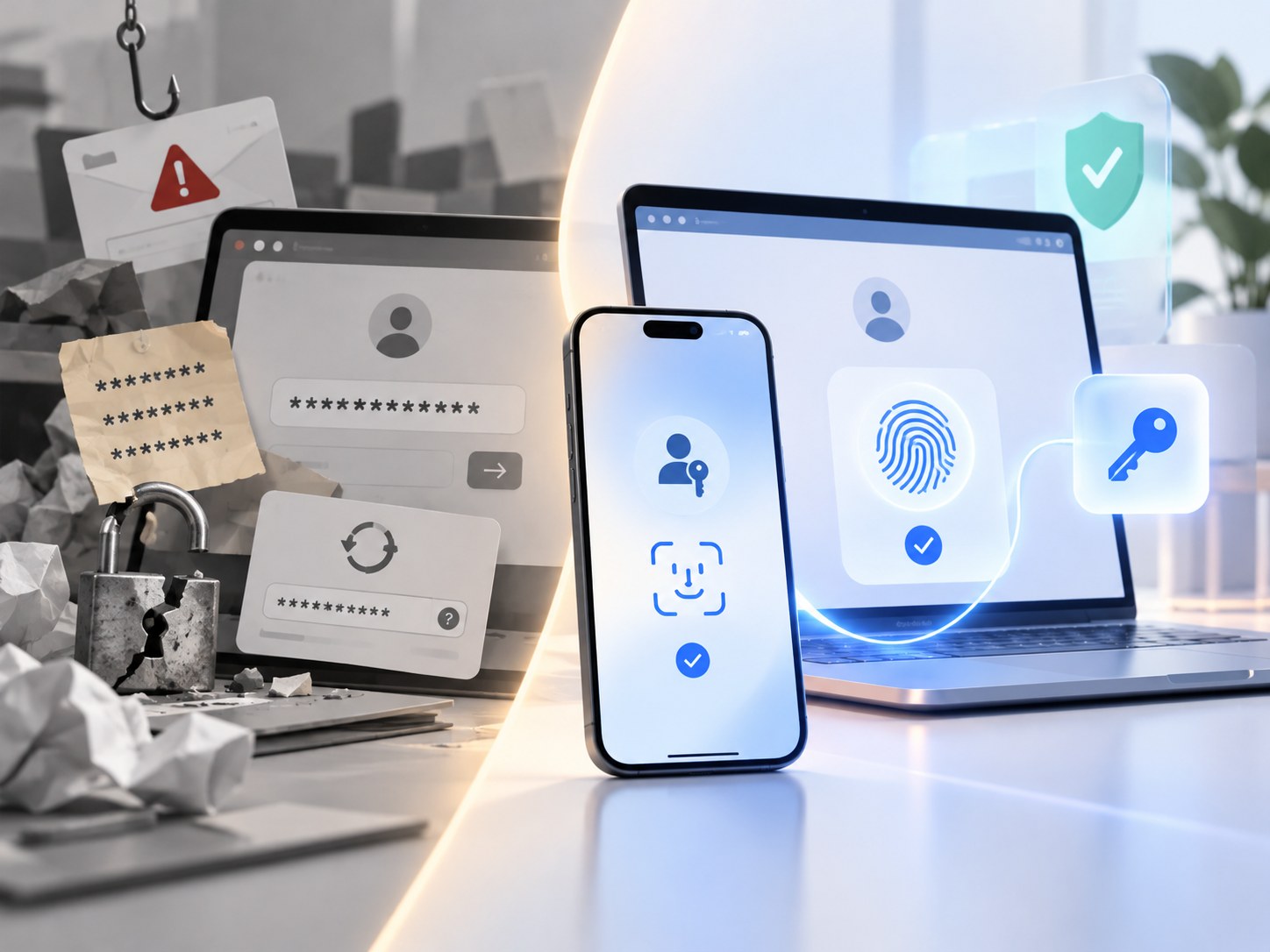
The short version
- A passkey replaces a typed password with a cryptographic credential. The service keeps a public key; the user controls the matching private key through a phone, computer, security key or credential manager.
- Signing in usually feels like unlocking a device: Face ID, a fingerprint, a PIN or another local verification method approves use of the passkey. The website does not receive your biometric data.
- Passkeys are resistant to phishing because each credential is tied to the legitimate website or app. A convincing fake login page cannot simply collect and replay the passkey the way it can steal a password or one-time code.
- Some passkeys sync across devices through a credential manager; others are device-bound, including passkeys stored on hardware security keys. Recovery therefore depends on how and where the passkey is stored.
- Using a passkey does not automatically remove every password or recovery method from an account. The security of fallback and account-recovery flows still matters.
A passkey is a password replacement, not a better password
A passkey is a digital credential used to sign in to a website or app without typing a password.
The easiest way to understand the difference is this: a password is a secret that you know and send to a service. A passkey is a cryptographic key that your device or credential manager uses on your behalf.
When a service supports passkeys, signing in can feel almost boring. Pick the account, approve the prompt with Face ID, a fingerprint or your device PIN, and you are in.
Underneath that simple prompt, the login works very differently from a password.
The FIDO Alliance defines passkeys as FIDO credentials built for passwordless authentication. They can be stored on a phone or computer, synced through a credential manager, or kept on a hardware security key.
That distinction matters because the thing you touch, scan or type to unlock your device is not the passkey itself.
What actually happens when you create one
Creating a passkey generates a public-private key pair for that account and service.
The public key goes to the website or app. The private key stays under your control through your device, security key or passkey manager.
When you sign in later, the service sends a fresh cryptographic challenge. Your device asks you to approve the sign-in, uses the private key to sign that challenge, and sends the result back. The service checks the signature with the public key it already has.
If the signature is valid, the service knows the person signing in controls the matching credential.
No reusable password has to cross the internet.
That is the central idea behind passkeys. The website stores something that can verify you, but not the secret it would need to impersonate you.
Google’s passkey documentation describes the same model: the service stores the public key, while the private side of the credential is used from the user’s device.
There is one wording trap worth avoiding. You will often read that a passkey’s private key “never leaves the device.” That is true for a device-bound passkey, but it is too absolute for synced passkeys. Modern credential managers can securely copy encrypted passkey material so the same credential is available on another approved device.
NIST’s current guidance for syncable authenticators explicitly accounts for that model. The important security property is that the private key is not handed to the website during login, and cryptographic operations happen through an authenticator controlled by the user.
Why passkeys are so much harder to phish
Passwords are portable in the worst possible way.
If you type your password into a convincing fake login page, the attacker now has a secret that can often be replayed on the real site. A one-time code is better, but a live phishing site can sometimes relay that code immediately.
A correctly implemented passkey is tied to the identity of the service it was created for.
A passkey registered to example.com is not simply presented to examp1e.com because the page looks similar. The browser or operating system participates in the authentication and checks the site’s identity before the credential can be used.
Microsoft gives the practical example that a passkey created for one registered domain can only be used with that domain. Its passkey guidance describes that domain binding as the reason a lookalike site cannot request the legitimate site’s passkey.
The cryptographic challenge also changes on each authentication, so capturing one valid response does not create a reusable login secret.
This does not make an account impossible to compromise. Malware, a compromised device, a hijacked signed-in session, weak recovery procedures or a remaining password fallback can still create other routes into an account.
Passkeys are specifically powerful because they remove the cheap, scalable attack where someone convinces you to hand over a reusable login secret.
Face ID is not your passkey
This is one of the most common points of confusion.
When your iPhone asks for Face ID, or your laptop asks for a fingerprint or PIN, that local check is normally authorizing the device to use the passkey.
Your face or fingerprint is not being sent to every website you sign in to.
Google says biometric material used to unlock a passkey remains on the personal device. Microsoft makes the same distinction in its consumer guidance. On Apple devices, passkeys can be protected and synced through iCloud Keychain, whose security architecture is designed so Apple cannot read the keychain contents.
The local unlock matters for another reason: it can make a passkey more than a simple “something you have” credential.
NIST distinguishes between passkey authentication with and without user verification. When the authenticator verifies the user locally with an activation factor such as a biometric or PIN, it can operate as a multi-factor cryptographic authenticator rather than a single-factor one.
That is why a passkey can replace the familiar sequence of password, then text message, then six-digit code on services that implement it that way.
Where your passkey lives changes the recovery story
“Passkey” describes the authentication method, not one universal storage system.
A synced passkey can be made available across approved devices through a credential manager. Apple supports passkeys through iCloud Keychain and external providers. Google Password Manager can sync passkeys across supported devices and browsers.
A device-bound passkey stays with a particular authenticator. A hardware security key can store this kind of credential.
Both can be secure. They solve different problems.
Synced passkeys are convenient when you replace a phone or move between devices because the credential manager can restore access after you authenticate to that ecosystem. Device-bound credentials can reduce the number of places the secret exists, but losing the only device or security key makes backup planning more important.
Cross-device use does not always require syncing the passkey onto the second device either. Google and Apple both support flows where a nearby phone can approve a passkey sign-in on another computer, often after scanning a QR code.
The practical question is therefore not just, “Do I have a passkey?”
It is: Who manages it, where can I use it, and how do I recover access if that device disappears?
Passkeys can live in password managers
Passkeys do not make password managers irrelevant.
Credential managers increasingly store both passwords and passkeys. If you already use one, it may become the place that handles the transition from one sign-in system to the other.
The portability story is also improving, but it is not perfectly uniform yet.
Apple’s current passkey developer documentation supports secure import and export of passwords and passkeys between participating credential managers. At the standards level, FIDO’s Credential Exchange Format 1.0 has reached proposed-standard status, while the associated Credential Exchange Protocol is still listed as a working draft in the FIDO specification directory.
So “a passkey locks you forever into Apple, Google or one password manager” is too strong.
So is the opposite claim that every passkey can already be moved anywhere without friction.
Provider support still matters.
What happens if you lose your phone?
Losing a phone does not necessarily mean losing every passkey that was on it.
If the passkey was synced through a credential manager, another authorized device may already have access to it, or the provider may offer a recovery process for the credential vault. Apple, for example, documents recovery as part of iCloud Keychain’s design.
If the credential was device-bound, recovery may instead depend on another passkey, a second security key, a remaining password, a recovery code or whatever account-recovery process the service offers.
This is where passkey security becomes account security again.
Before treating a passkey as your only way into an important account, check:
- whether the passkey is synced or device-bound;
- whether you have another trusted device or second passkey;
- what your credential manager requires for recovery;
- what fallback methods the website still accepts;
- how you can remove a passkey if a device is lost or stolen.
For high-value accounts, the recovery path deserves the same attention as the login screen.
That is also why the broader question of portable online identity matters: access to an account increasingly depends on a chain of devices, credential providers and recovery systems rather than one memorized secret.
Passkey vs password vs two-step verification
The difference is easiest to see side by side.
| Method | What the service relies on | Can a fake login page capture something reusable? | Typical user action |
|---|---|---|---|
| Password | A shared secret the user knows | Yes | Type the password |
| Password + SMS/app code | Password plus a second temporary secret or approval | Often still phishable in real time | Type password, then enter or approve a code |
| Passkey | Public-key cryptography tied to the legitimate service | Designed to resist phishing and replay | Approve with device unlock |
| Hardware security key using FIDO2 | Device-bound cryptographic credential | Designed to resist phishing and replay | Touch/unlock the security key |
Passkeys are not the only phishing-resistant option. FIDO2 hardware security keys have been used for that job for years.
What passkeys changed was the consumer experience: the same model can now be built into the phone, laptop and credential manager people already use.
The UK National Cyber Security Centre went further in April 2026 and recommended passkeys wherever a service supports them, with traditional two-step verification as the fallback when passkeys are unavailable.
A passkey can secure the login while the account still has a password
There is one final distinction worth keeping clear.
Creating a passkey does not necessarily mean the service deletes your password.
Some services move to a truly passwordless account. Others make the passkey the preferred sign-in method while retaining a password, recovery email, SMS flow or another fallback.
Google, for example, tells users that adding a passkey to a Google Account does not automatically remove existing authentication or recovery factors.
That means the strength of the passkey and the strength of the whole account are not always identical.
If an attacker can ignore the passkey and reset the account through a weak recovery path, the passkey did its job and the recovery system became the problem.
Should you use passkeys?
In general, yes.
If a reputable service offers a passkey, it usually gives you a sign-in method that is both easier to use and much harder to phish than a password. You do not have to create, remember, reuse or type a secret that a fake site can collect.
Use passkeys on devices and in credential managers you actually control. Keep the device itself protected with a strong screen lock. For important accounts, understand recovery before removing older login methods or throwing away backup credentials.
The interface makes passkeys look almost trivial: look at the phone, touch a sensor, enter a PIN.
The meaningful change is underneath.
A password asks you to prove you know the same secret the service expects. A passkey asks your device to prove, cryptographically, that it controls the right credential for that specific service.
That is why the login can get simpler while the authentication gets stronger.
Sources & reference material
- FIDO Passkeys: Passwordless AuthenticationFIDO Alliance · Accessed Oct 10, 2026
Defines passkeys as FIDO credentials for passwordless authentication, explains synced and device-bound passkeys, and describes device-unlock approval.
- PasskeysGoogle for Developers · Accessed Oct 10, 2026
Explains public-key authentication, service-bound credentials, phishing resistance, device unlock, syncing and cross-device sign-in.
- PasskeysApple Developer · Accessed Oct 10, 2026
Documents passkey sign-in on Apple platforms, iCloud Keychain syncing, external providers and current credential import/export support.
- iCloud Keychain security overviewApple Support · Accessed Oct 10, 2026
Describes end-to-end protection and recovery design for passwords and passkeys synced through iCloud Keychain.
- What are passkeys and why they matterMicrosoft Support · Accessed Oct 10, 2026
Explains public/private key pairs, local biometric verification and domain binding that makes passkeys resistant to phishing.
- Syncable AuthenticatorsNational Institute of Standards and Technology · Accessed Oct 10, 2026
Current NIST guidance explains syncable cryptographic authenticators, WebAuthn user verification, phishing resistance and the security requirements around syncing authentication keys.
- Passkeys are more secure than traditional ways to log inUK National Cyber Security Centre · Accessed Oct 10, 2026
Recommends passkeys where services support them and explains why FIDO2 credentials resist common credential attacks better than traditional MFA methods.
- Download Credential Exchange SpecificationsFIDO Alliance · Accessed Oct 10, 2026
Shows the current status of FIDO credential-exchange work: Credential Exchange Format 1.0 is a proposed standard while the exchange protocol remains a working draft.